

DESKTOP VS WEB
Desktop App or Self-Hosted DSH Web
Both use the same core DSH experience. The main differences are installation, runtime setup, and window lifecycle.
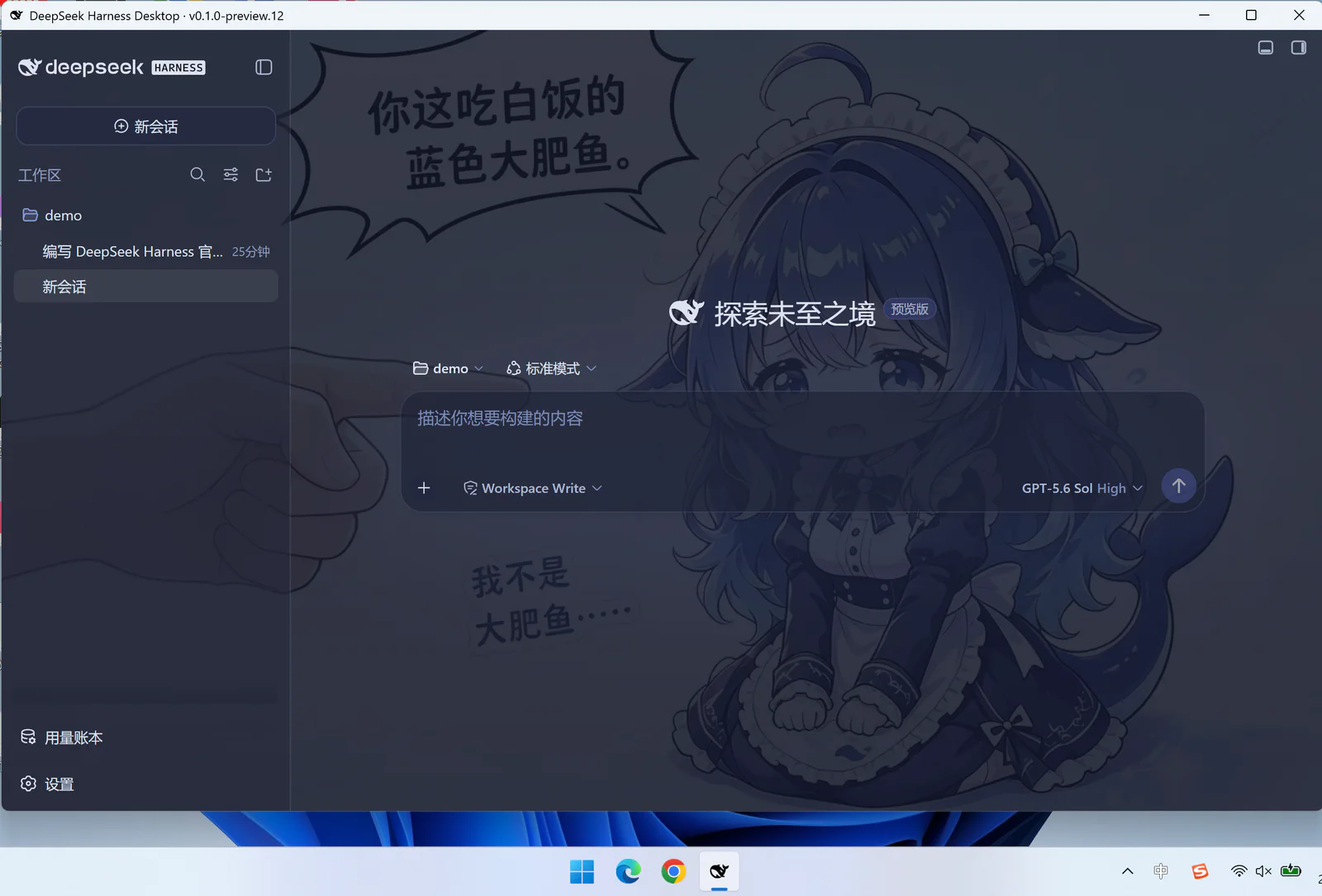
Choose Desktop
- You want one installer without maintaining Node.js, DSH, and pnpm separately.
- You need single instance, close to tray, Host restart, and exit cleanup.
- You prefer pinned runtime and plugin versions with an offline first launch.
Choose Self-Hosted Web
- You need direct control of Node.js, DSH arguments, dependencies, and deployment.
- You need a non-Windows platform or remote server access.
- You can own version compatibility, process supervision, and security configuration.
Shared Capabilities
The desktop app loads local DSH Web; it does not rewrite the Web UI or Agent core. Projects, conversations, tools, and plugins still depend on DSH and the plugins you install.
Shared Limitations
Model services, network connections, and third-party plugins retain their own permission and availability requirements. A self-contained desktop package does not mean model inference is fully offline or that plugins gain process-level sandboxing.