

PLUGIN ECOSYSTEM
Plugin Market, Bundled Plugins, and Skin Themes
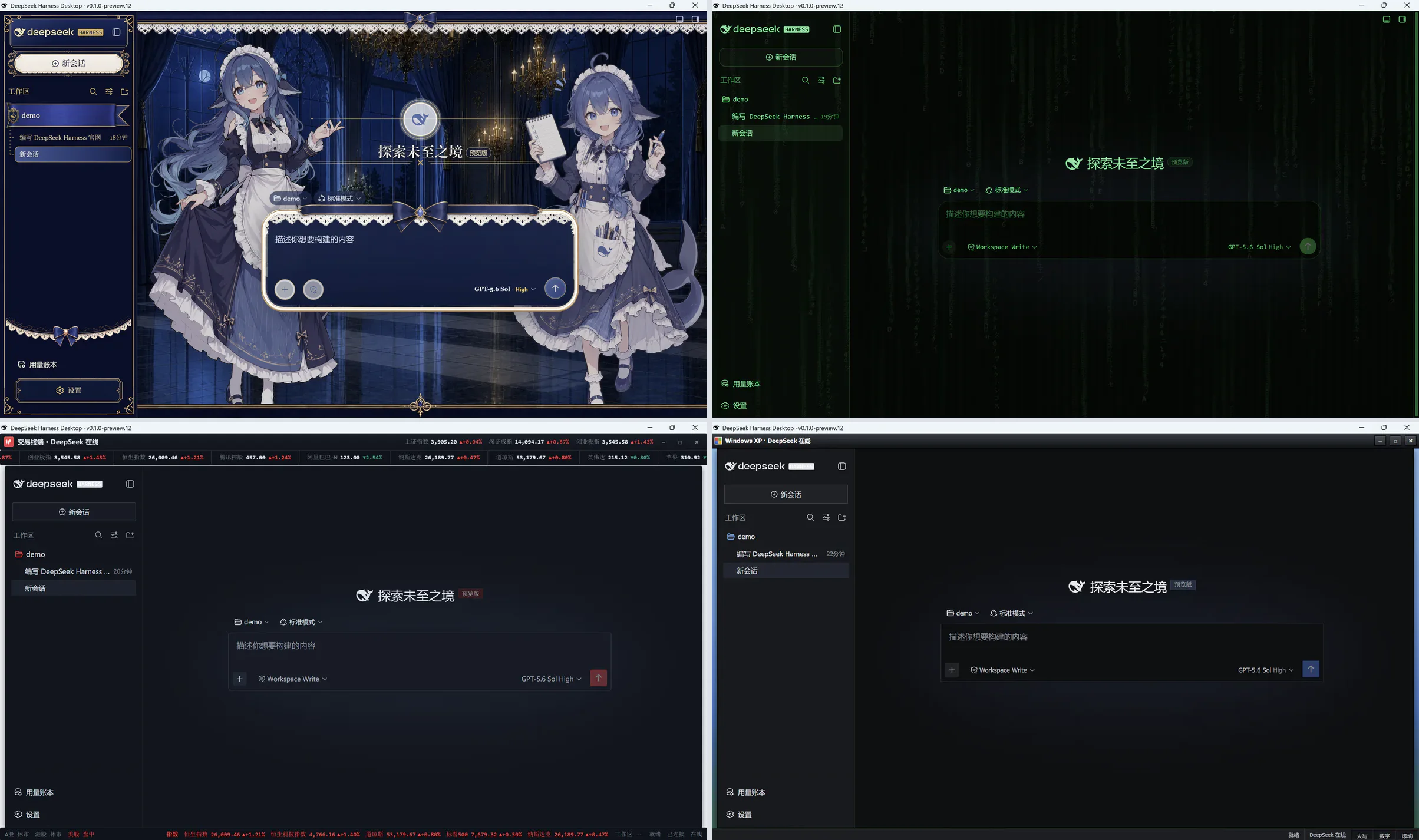
Install extensions from the plugin market and switch workspace themes with Skin Center.
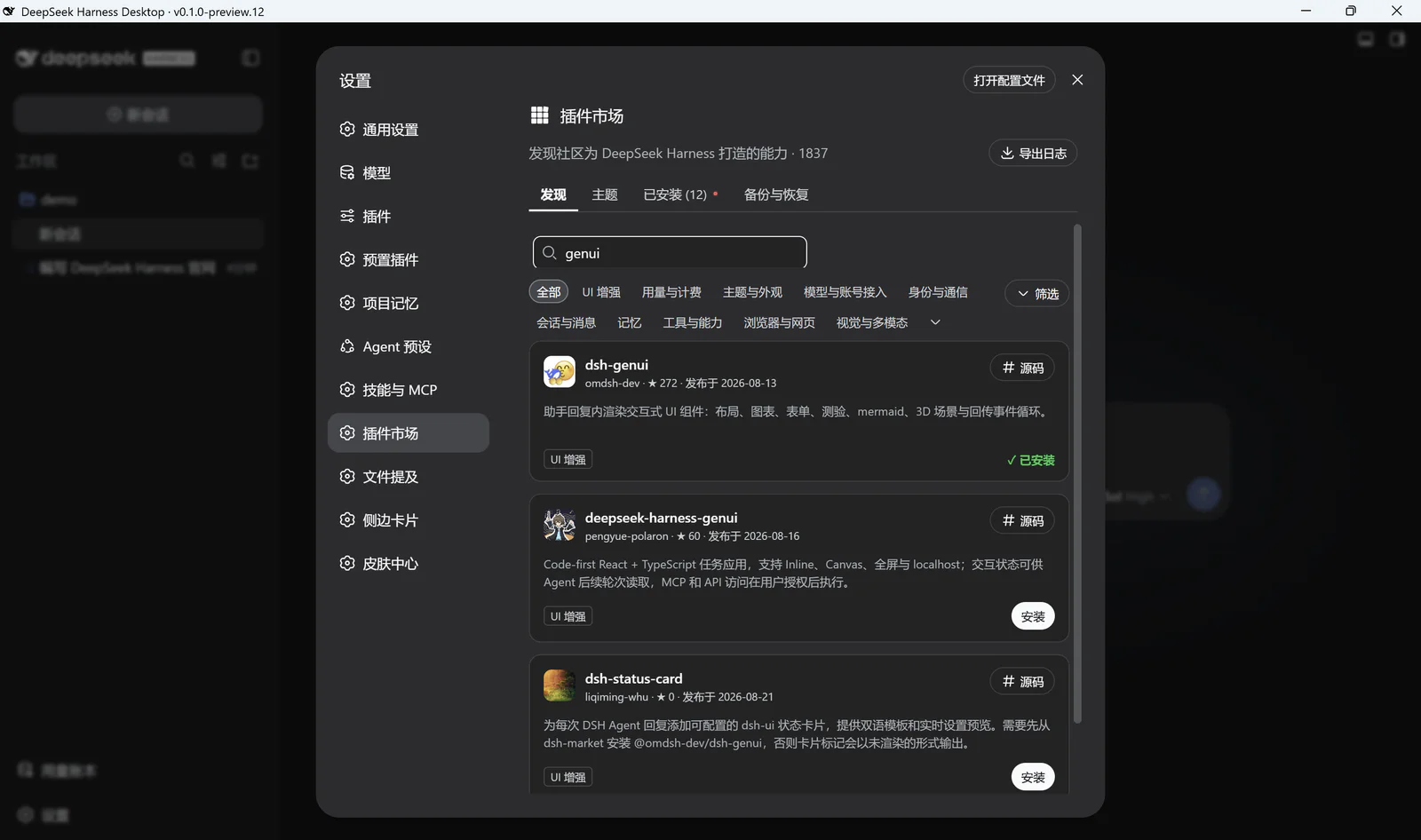
Discover and Install
Search by name to install, update, or remove plugins. The bundled plugin list remains available offline, while installation and version checks require a network connection.
Plugin Updates
Bundled plugin updates preserve same-name plugins that you installed yourself and keep disabled plugins disabled. If an update fails, the previous plugin configuration is restored.
Included Plugins
- Better Sidebar: side conversations, files, Git, local terminal, and previews.
- GenUI: interactive interfaces, Mermaid, and Three.js rendering.
- Skin Center: theme preview, apply, and restore.
- Hindsight: opt-in long-term memory for selected projects.
- Skills/MCP Manager: Skill controls and MCP connection management.
Permission Notice
Third-party plugins have the same Host permissions as the desktop app. Package signatures, permission manifests, and process-level sandboxing are not currently available. GitHub sources that require prepare, allowBuilds, or other install scripts need package-by-package review.