

OPEN-SOURCE WINDOWS DESKTOP
Download DeepSeek Harness Desktop
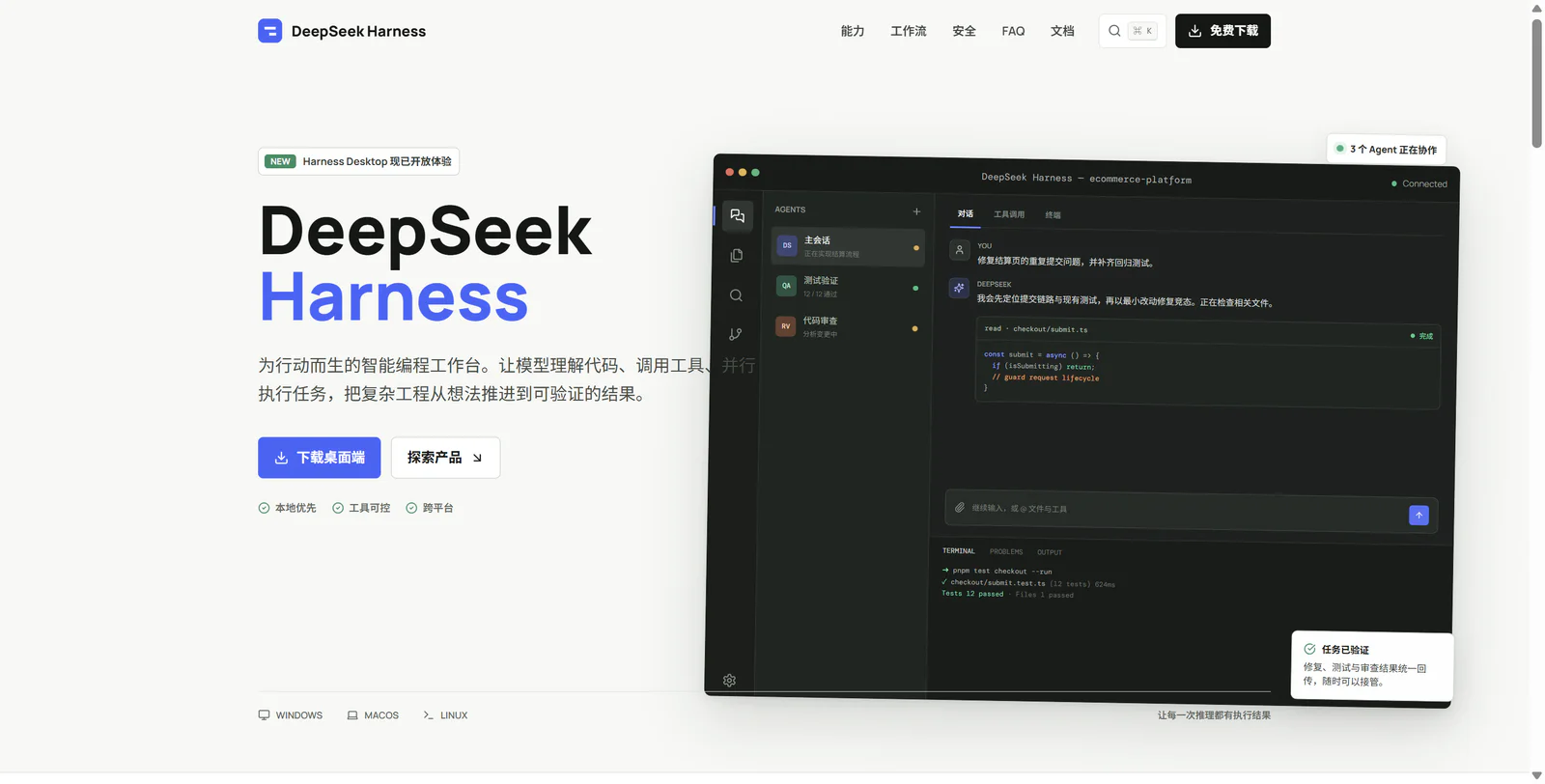
The full DSH workflow in one Windows installer: conversations, file references, native multimodal models, plugins, Skills, and MCP.
v0.1.0-preview.13 · 87.464 MiB · Community-maintained, unofficial
GET STARTED
Get Started in Three Steps
Download, install, and open a project to start using DSH on your desktop.
- 01
Download and verify
Get the installer from the stable download page and verify its SHA-256.
- 02
Select a project
Start the local DSH Host and choose the code directory you want to work on.
- 03
Keep iterating
Review changed files and generated results, then continue refining them in the same conversation.
REAL INTERFACE
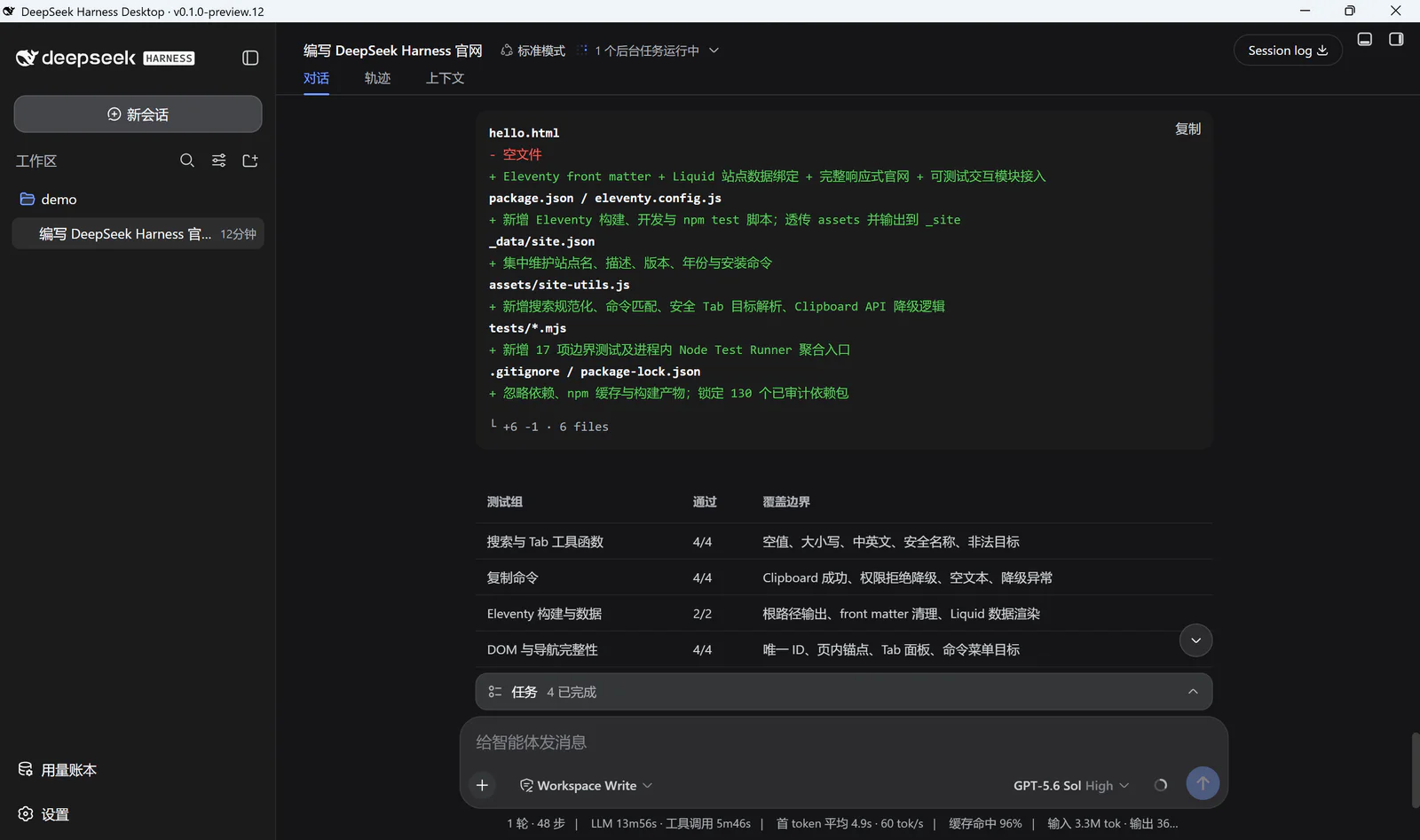
A Familiar DSH Workflow on the Windows Desktop
Reference files or conversations with @, let supported models understand images, and run tools, review changes, and preview results in one workspace.
SKIN THEMES
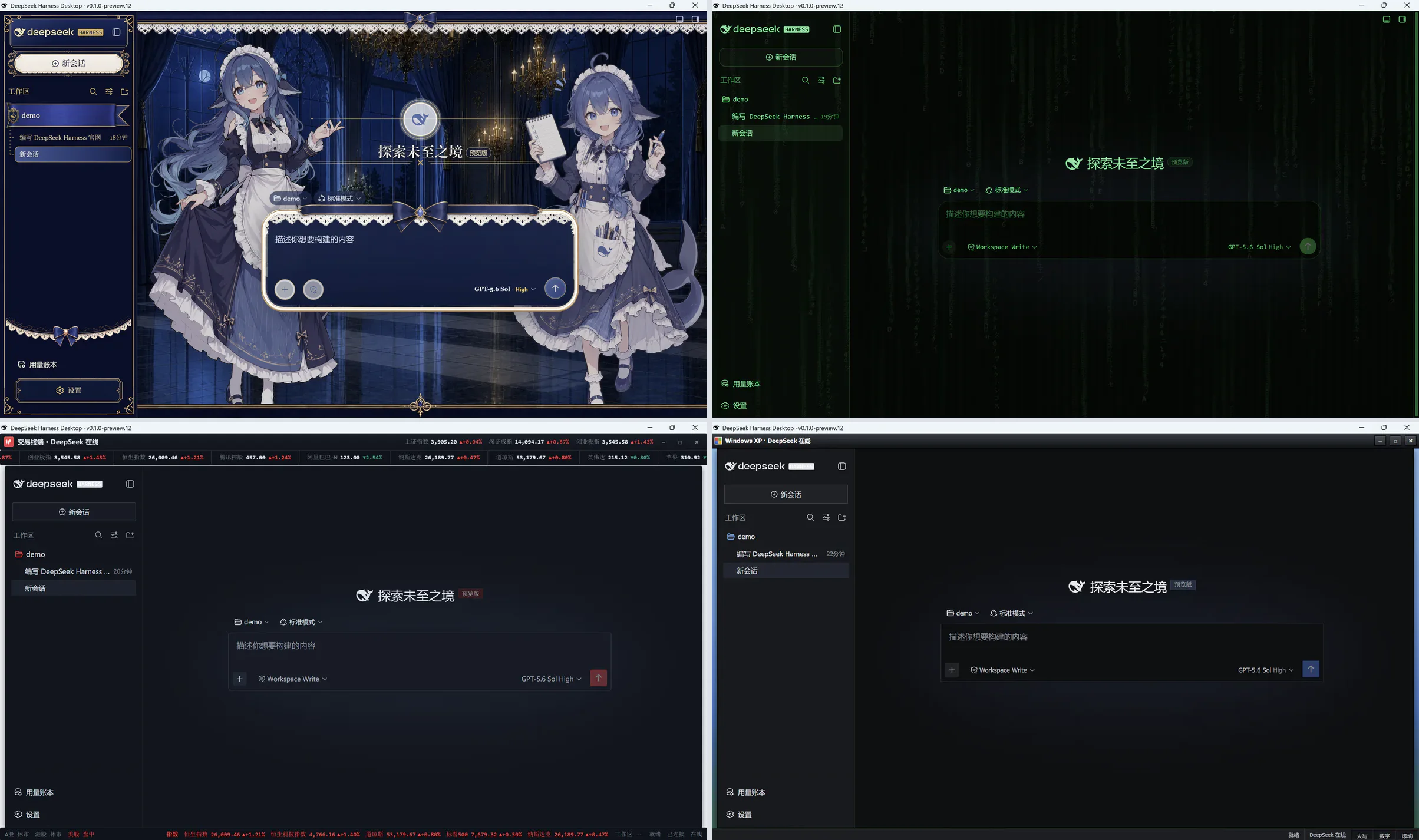
Choose a Workspace Style That Fits
Skin Center lets you preview, apply, and restore dark, light, and character themes in a few clicks.
EXPLORE
Explore More Features
v0.1.0-preview.13
preview.13 Is Available
Adds native image understanding and @ references for files and conversations, plus quick website, feedback, and update links in the system tray.
- Installer
- 87.464 MiB
- DSH
- 0.1.1-rc.2
- SHA-256
6050178f9e4d73b1096301cf0b1d211277f295de965207dc3ed71ea641de2175- System
- Windows 10 22H2 / Windows 11 x64 with system WebView2