

SKILLS AND MCP
Manage Skills and MCP in Settings
View Skills, change their enabled state, and manage MCP connections from Settings.
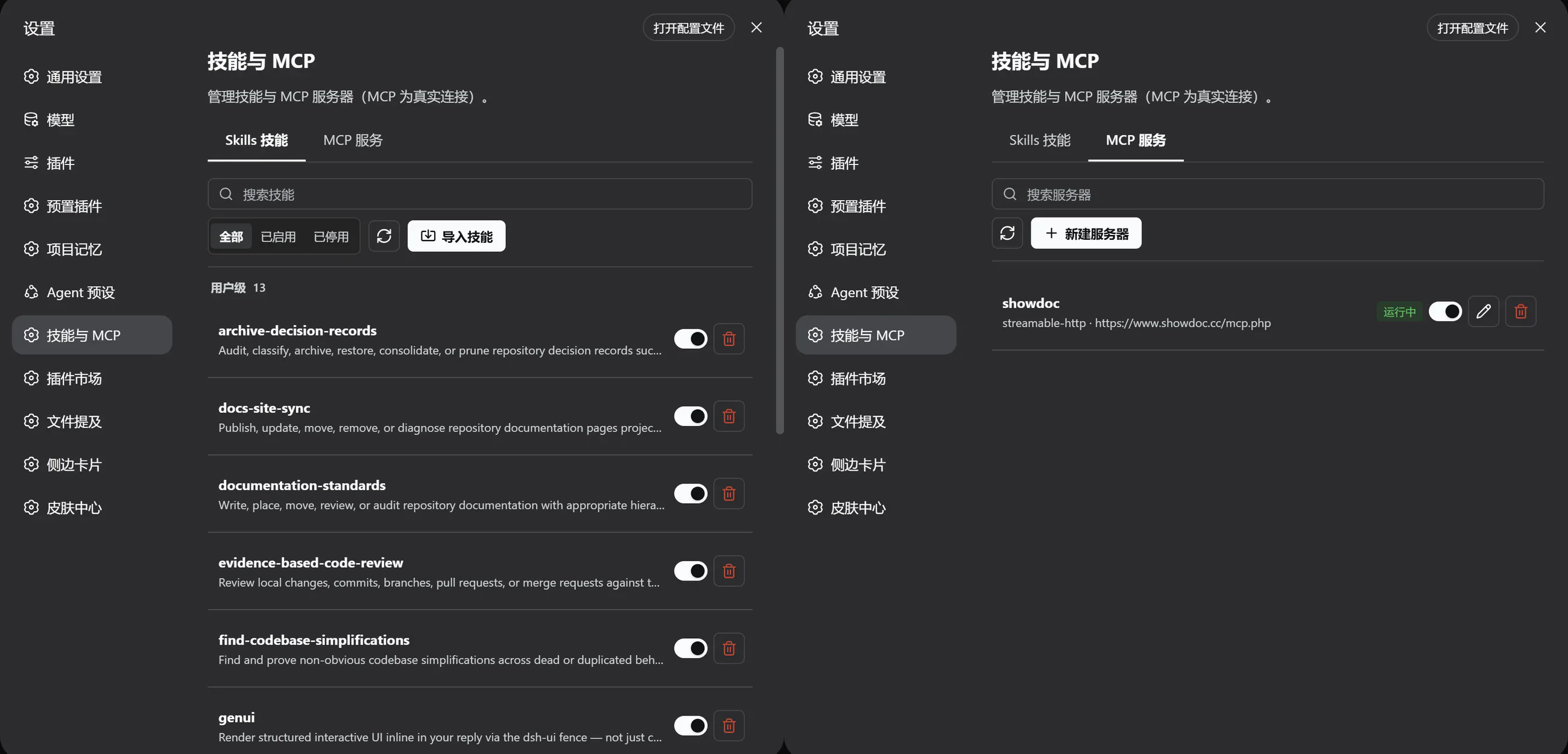
Skills
Skills are grouped by source with their enabled state, details, and available actions. The app does not overwrite same-name user Skills or automatically restore a Skill after you edit or remove it.
MCP Connections
Use the JSON editor to add or update MCP connections, then test them after saving. Connection settings stay on your device and are not sent as application telemetry.
Credentials and Permissions
MCP env and headers values are currently stored in plaintext at ~/.dsh/mcp.json. Restrict filesystem access, never include secrets in issues, screenshots, or logs, and revoke credentials that are no longer used.
Troubleshooting
- Validate JSON syntax and command paths first.
- Confirm the MCP service is independently reachable.
- Then check connection state after a Host restart.
- Use a redacted minimal configuration when filing an issue.